Koloshare
Your intranet, inside the website you already own. Files, news, people and contacts behind one branded login, inside the WordPress site a business already has.
- Version 1.9.0
- Tested up to WordPress 7.1
- GPL-2.0-or-later
- Our first plugin
An intranet that needs no new hosting
Most intranets are a second product on a second server, priced per seat. Koloshare is a page on the WordPress site a business already owns. Files sit in a private folder in the site's uploads, outside the Media Library, and everything else goes in the WordPress database. There is no Koloshare server in between. One price per site, however many staff sign in.
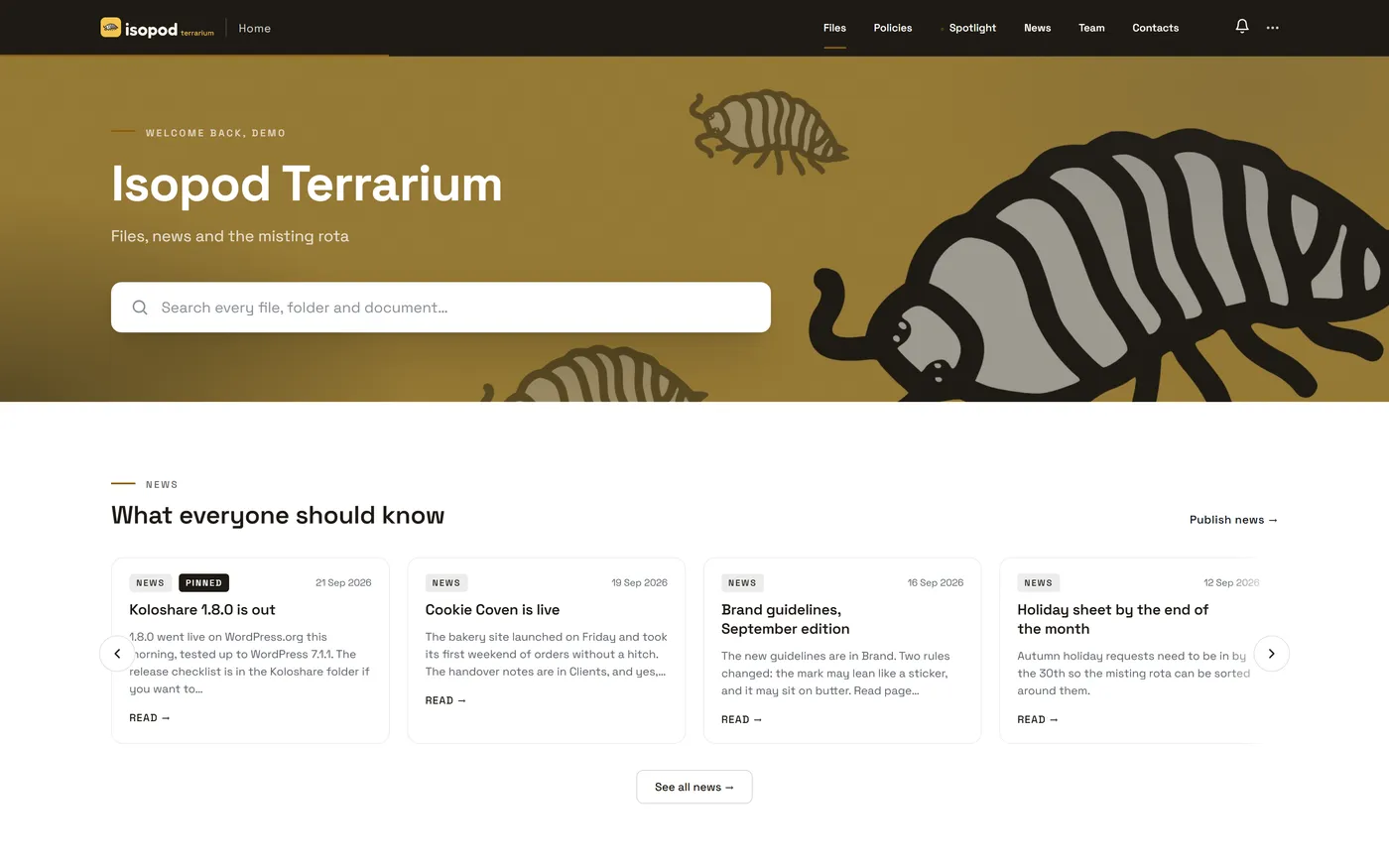
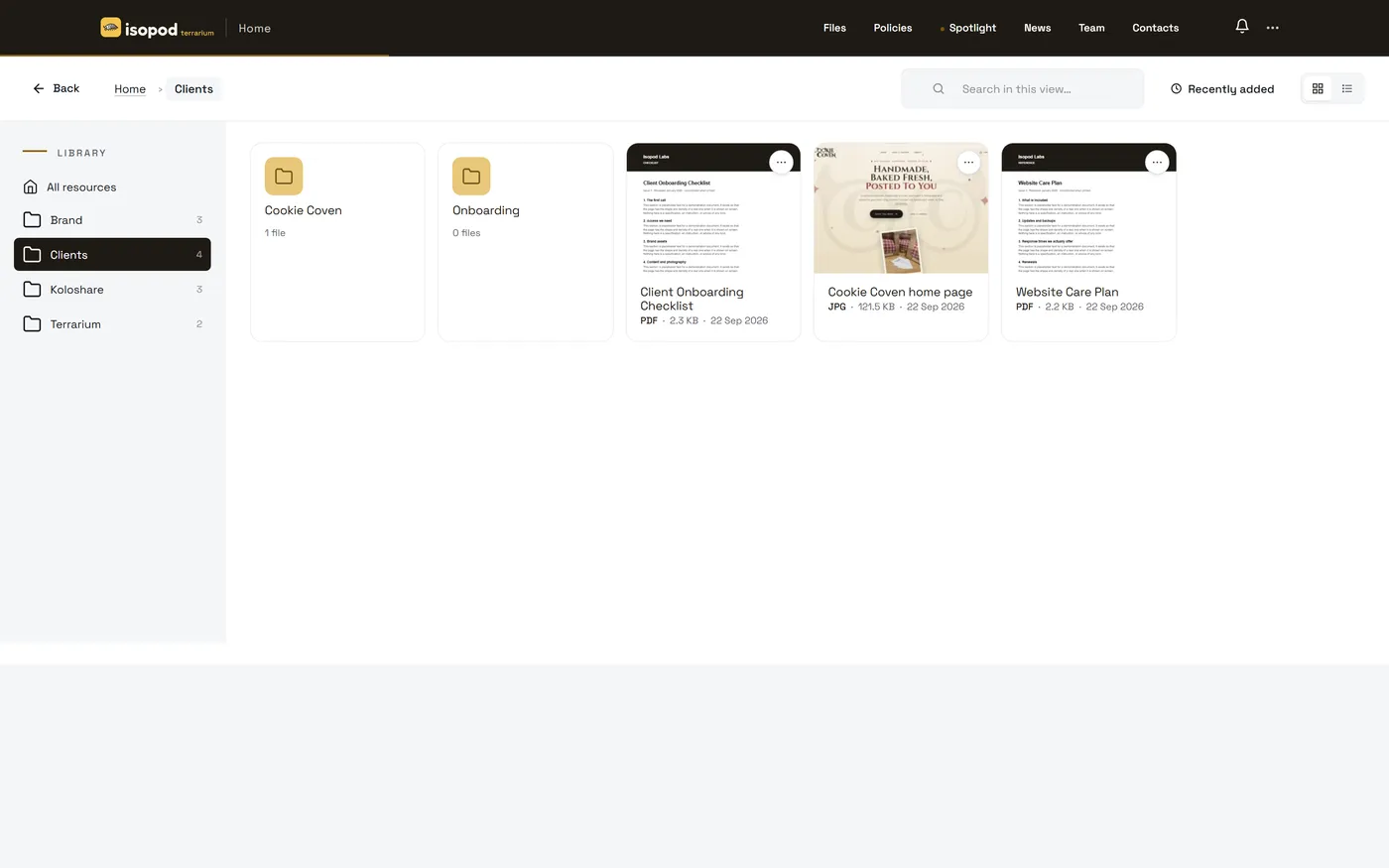
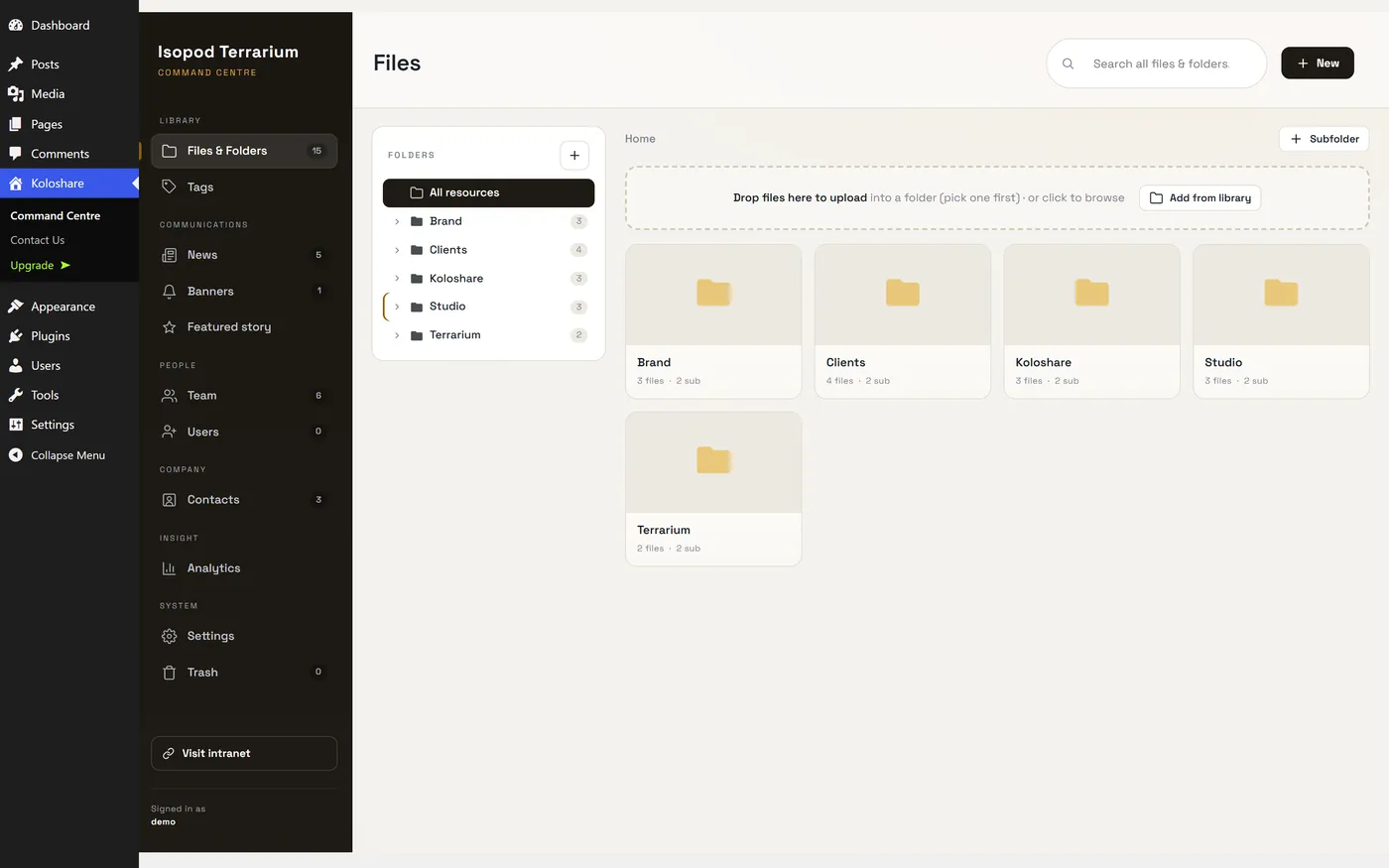
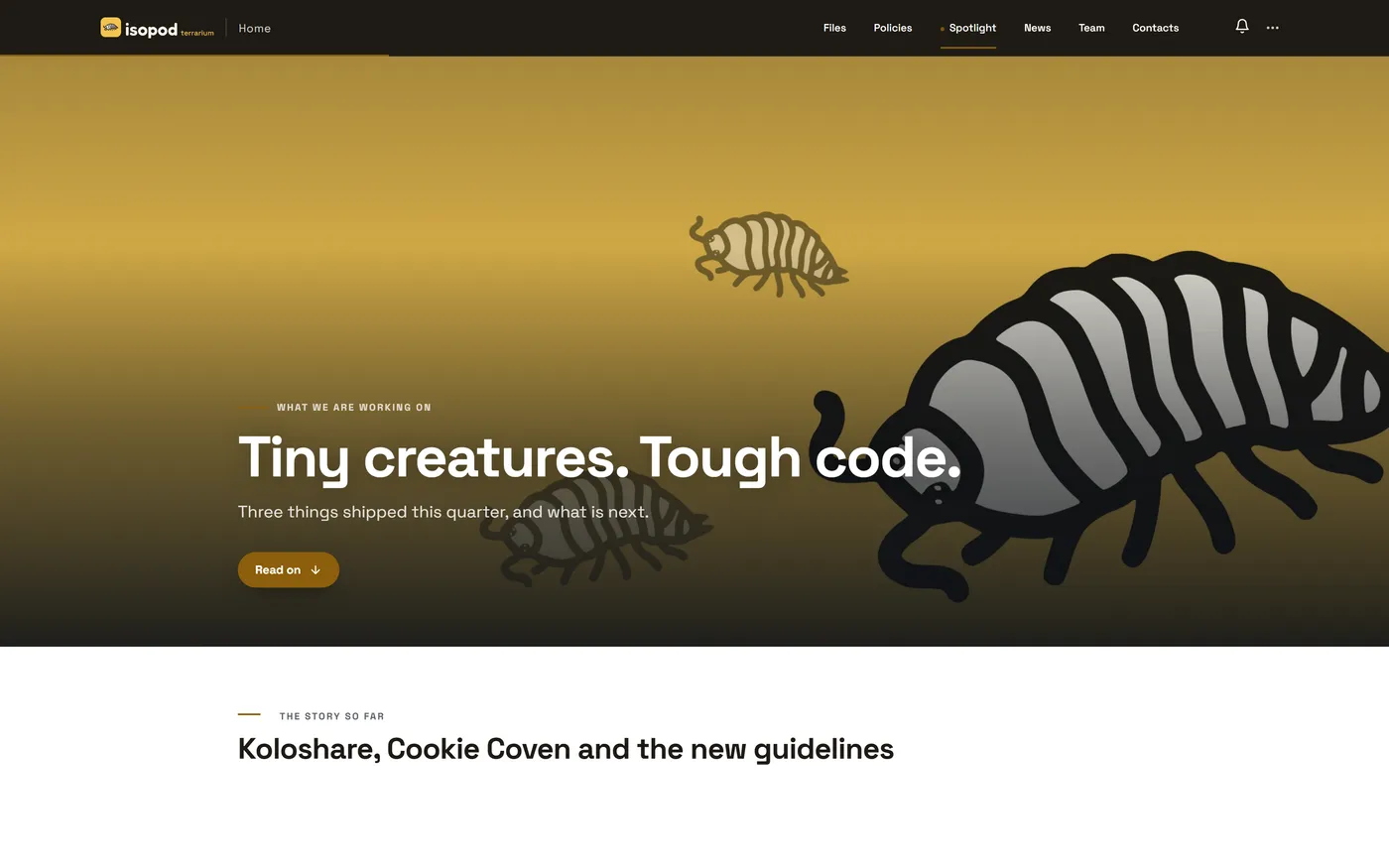
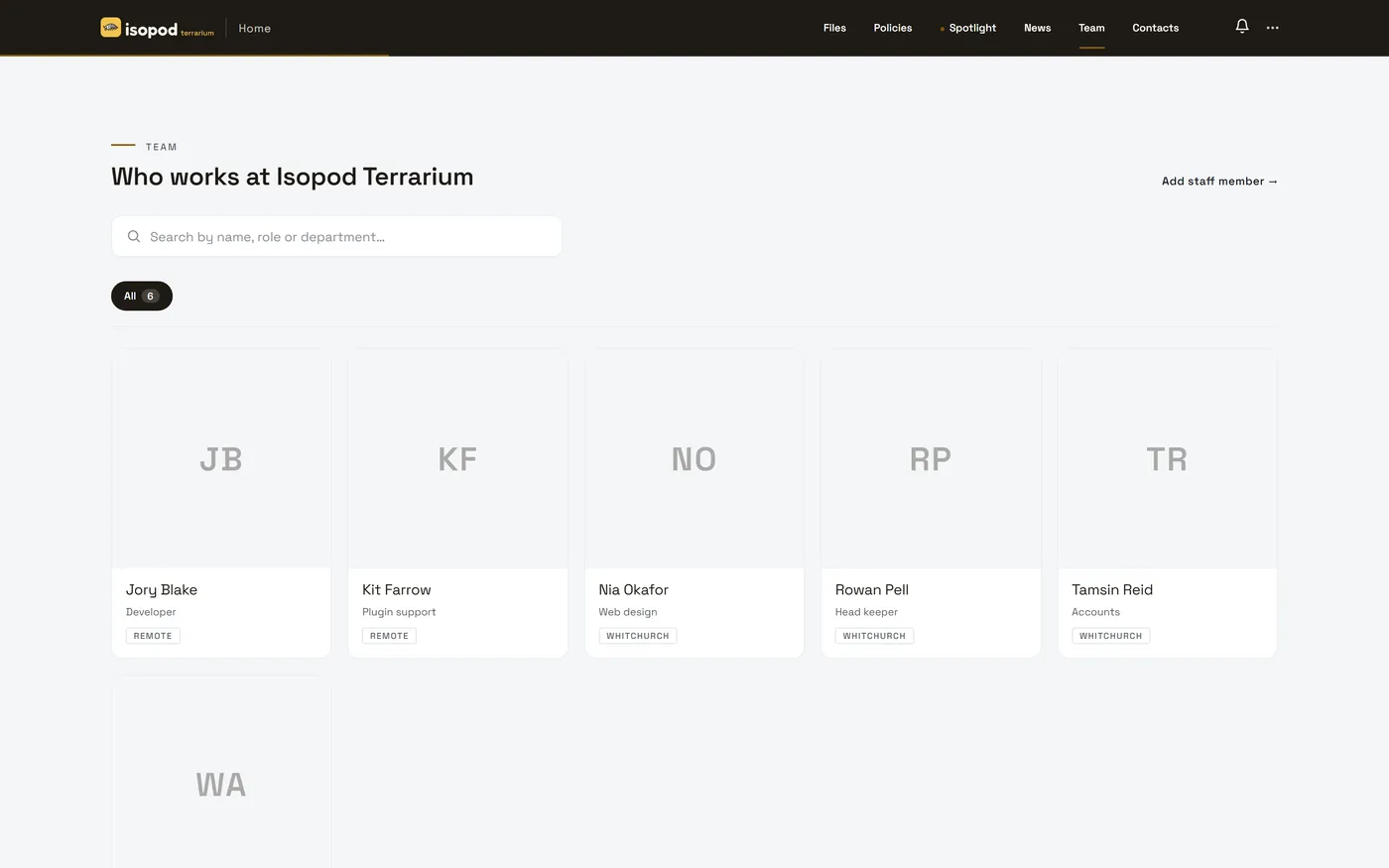
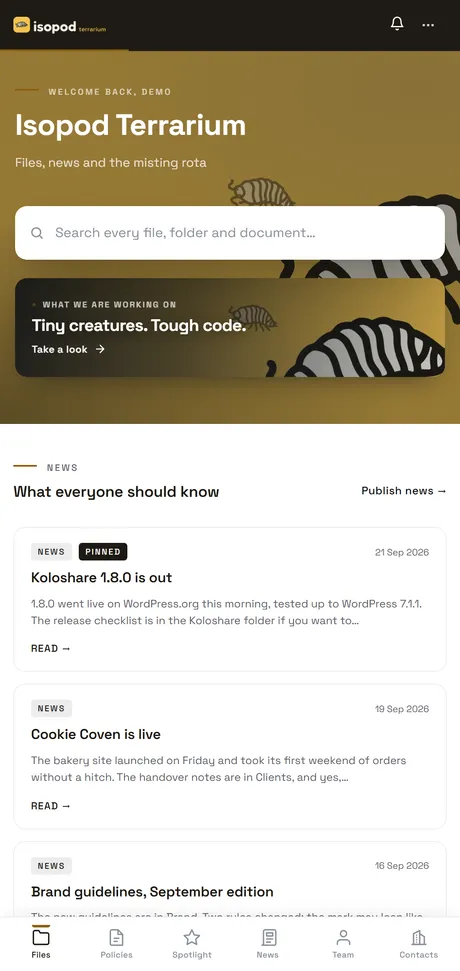
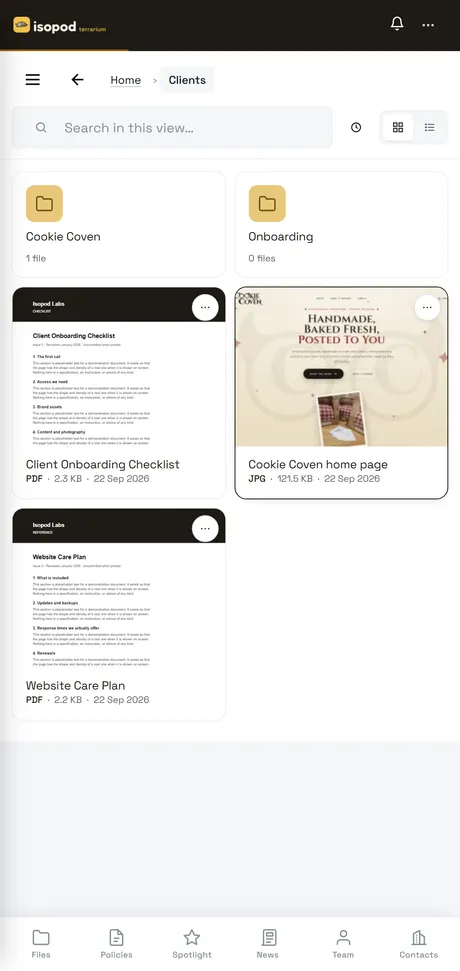
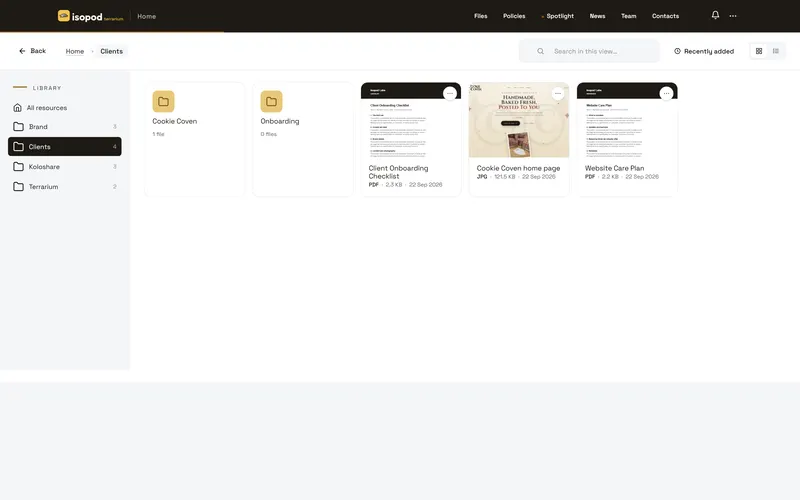
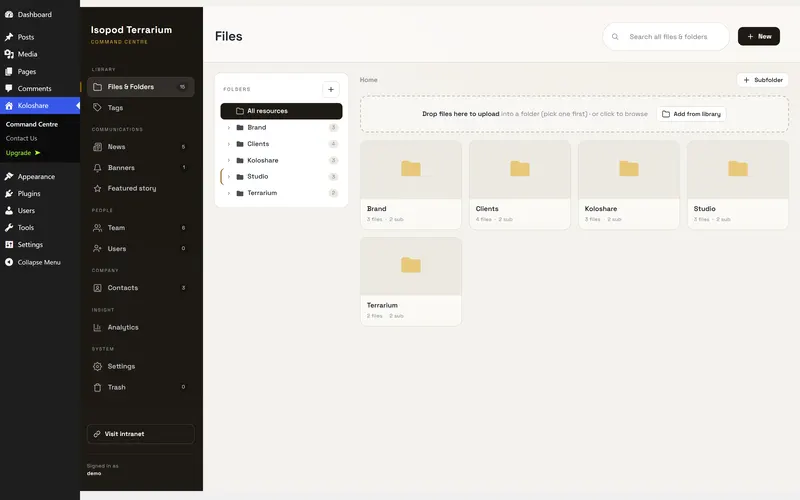
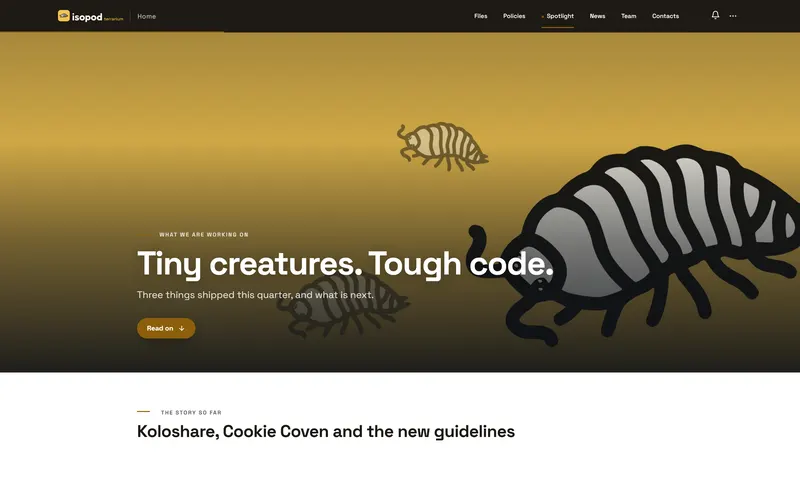
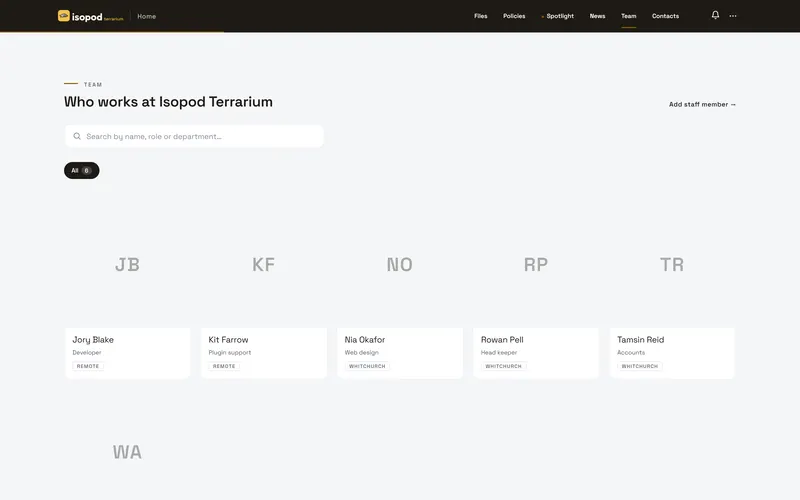
It started as a build for one business that was tired of emailing attachments around. The screenshots here are our own copy, Isopod Terrarium, running on Premium.
What it does
- Files, folders and tags, with in-browser previews for PDFs, images, video, audio and spreadsheets
- A news feed, urgent banners and a What's new bell
- A team directory and a contacts book
- A branded staff sign-in, with lockouts by account and by address. wp-login.php turns staff accounts away
- Department locks on files. Outside the department, a locked file cannot be opened, previewed or downloaded
- On Premium, search inside PDFs and Office documents, and per-file passwords
- New in 1.9.0 on Premium: policy sign-off, where staff sign each policy with their typed name, and a new starter induction checklist
- Runs on the hosting you already pay for, at one price per site
Up close

The name and the logo
Kolo is a Serbian folk dance performed in a circle, the dancers moving together around whoever is in the middle. Share is what the product does.
The middle letters draw a face: two o's for eyes, the l for a nose, and a smile in the same stroke. The wordmark is Comfortaa, the product's own typeface, edited just enough to make the face. It only appears in solid black or white, because colour would turn a quiet joke into a cartoon.
The rest of the identity borrows from label plates, manila tags and shelf tickets. Near-black and white with manila as the one accent, readable on a phone in a van or a screen in a warehouse.
How it is built
- One WordPress plugin for PHP 7.4 and WordPress 6.0 or later, with its own admin app, the Command Centre
- The workspace is one page on the site, behind a branded staff sign-in. wp-login.php refuses staff accounts, failed sign-ins lock out by account and by address, and usernames are not published
- A temporary password lasts 24 hours, and until the person changes it every file and workspace request is refused
- Files, staff photos, contact logos and news pictures are kept in a private koloshare-private folder in uploads. The browser only gets signed links tied to one person, which last 5 minutes for a download, about 6 hours for a preview and 30 minutes in the policy reader
- Department locks on Standard are hard locks, checked on the server, and search never matches words in a file the person cannot open
- File previews run in the browser, using libraries shipped inside the plugin rather than a CDN
- Files and content never leave your hosting. Freemius receives the activation details: the admin's name and email, the site address, title and language, and the WordPress, PHP and Koloshare versions
- On Premium, staff browsers load the chosen font from Google Fonts, the default Comfortaa included. The optional Premium support email is the only other thing that leaves the site
- The free build has no paid code in it at all
- Premium search reads the text inside PDFs and Office files, in the browser as a file uploads and in a background job for the rest. There is no OCR, so a scanned page that is only a picture of text cannot be searched
- Licensing and updates run through Freemius. The plugin is GPL-2.0-or-later
- Every release is checked with Plugin Check, the WordPress.org reviewers' tool, on a throwaway WordPress in Docker
Starter is free
Starter
Free
The private file library, with no cap and no time limit, plus the branded sign-in and all the security.
Standard
£134.99 a year
Adds the news feed, team directory, contacts book and department locks, under the Koloshare brand. Where most teams land.
Premium
£172.99 a year
Your own brand on every screen, search inside documents, policy sign-off and the new starter induction.